Agent-Ready Platforms Will Beat Browser-Only SaaS
TL;DR
- An agent-ready platform is not a chatbot bolted onto SaaS. It is a product whose actions, state, permissions, and recovery paths are legible to both a human user and an AI agent acting on that user's behalf.
- If a workflow only works because a human can infer hidden state from a messy screen, it will break under agent use. Design the platform as a set of durable actions, not a pile of pages.
- The trade-off is discipline. You give up some speed in casual feature shipping, but you gain a product that can become execution infrastructure for customers as agents move from text generation into browser and API work.
An agent-ready platform is software whose core workflows can be safely operated by both humans and AI agents. That means stable actions, inspectable workflow state, delegated permissions, idempotent retries, audit trails, and human review paths.
Agent-ready platforms will beat browser-only SaaS because the next important user of your product may not have eyes, patience, or a seat licence.
It may be a browser action inside Codex. It may be a support agent clicking through your admin tool. It may be a procurement workflow that reads your pricing page, opens an account, configures a workspace, exports evidence, and files the result into a customer's system of record.
That user still represents a person or an organisation. It still carries intent, permission, budget, and risk. But it will not use your product like a human.
Most SaaS products are built around the assumption that the browser is the primary operating environment and the human is the primary operator. That assumption is starting to fail. Agents can already read screens, call APIs, inspect files, fill forms, operate browsers, and chain software together. Their capability is uneven. Their reliability is not magic. The direction is obvious.
Products that prepare for this shift will become infrastructure. Products that ignore it will become scenery in someone else's automation script.
What an agent-ready platform actually means
An agent-ready platform is software designed so a human and an AI agent can complete the same valuable work with comparable control, safety, and recoverability.
It does not mean every feature needs an AI assistant. It does not mean exposing your entire product through public APIs on day one. It does not mean removing the UI.
It means the product has a clear operational spine:
- The important actions are named and stable.
- The current state of a workflow can be inspected.
- The next valid actions are knowable.
- Permissions apply to the actor, not just the logged-in session.
- High-risk actions have review, confirmation, or reversal paths.
- Every meaningful operation can be observed after the fact.
That sounds basic until you inspect most real SaaS products.
The UI knows things the API does not. The API permits things the UI would block. The audit log captures "record updated" but not which business decision was made. A button is disabled because of a front-end condition no external system can inspect. Error messages are written for a frustrated human, not a machine that needs to decide whether to retry, escalate, or stop.
Humans paper over these gaps. They read the page. They infer. They remember the workflow. They Slack someone when the system behaves strangely.
Agents cannot safely rely on vibes. They need contracts.
What current agent practice points to
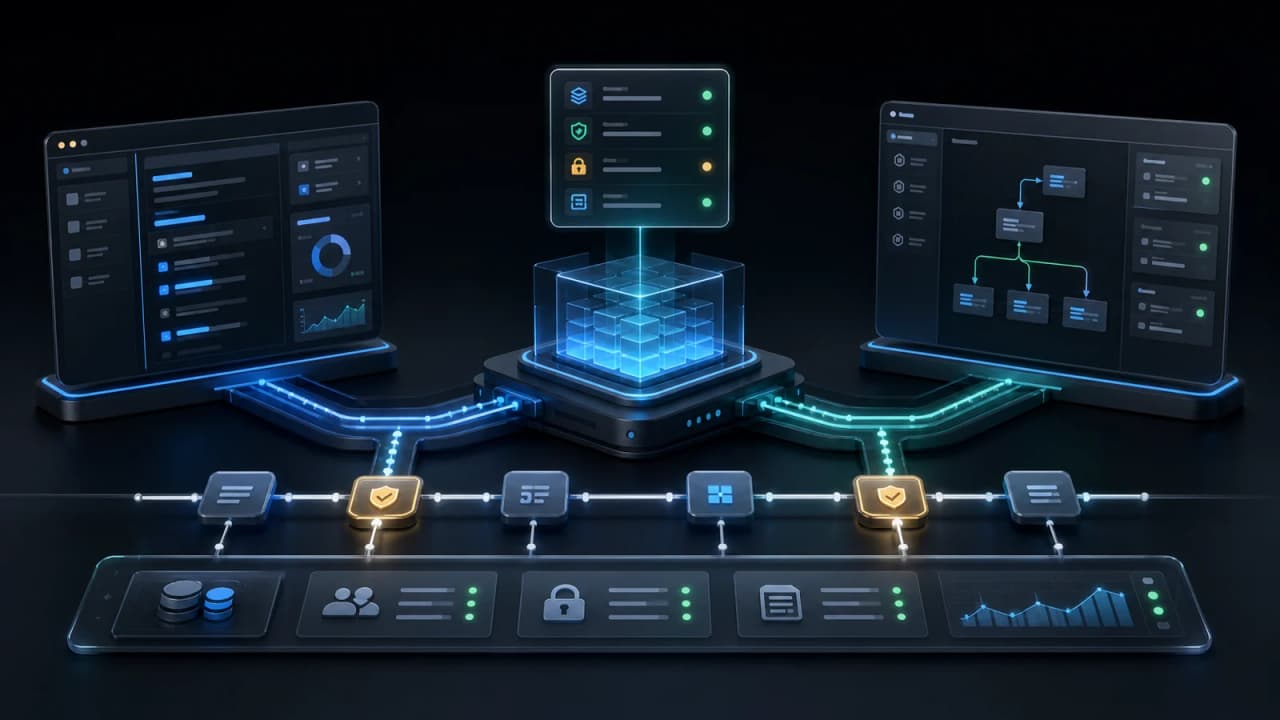
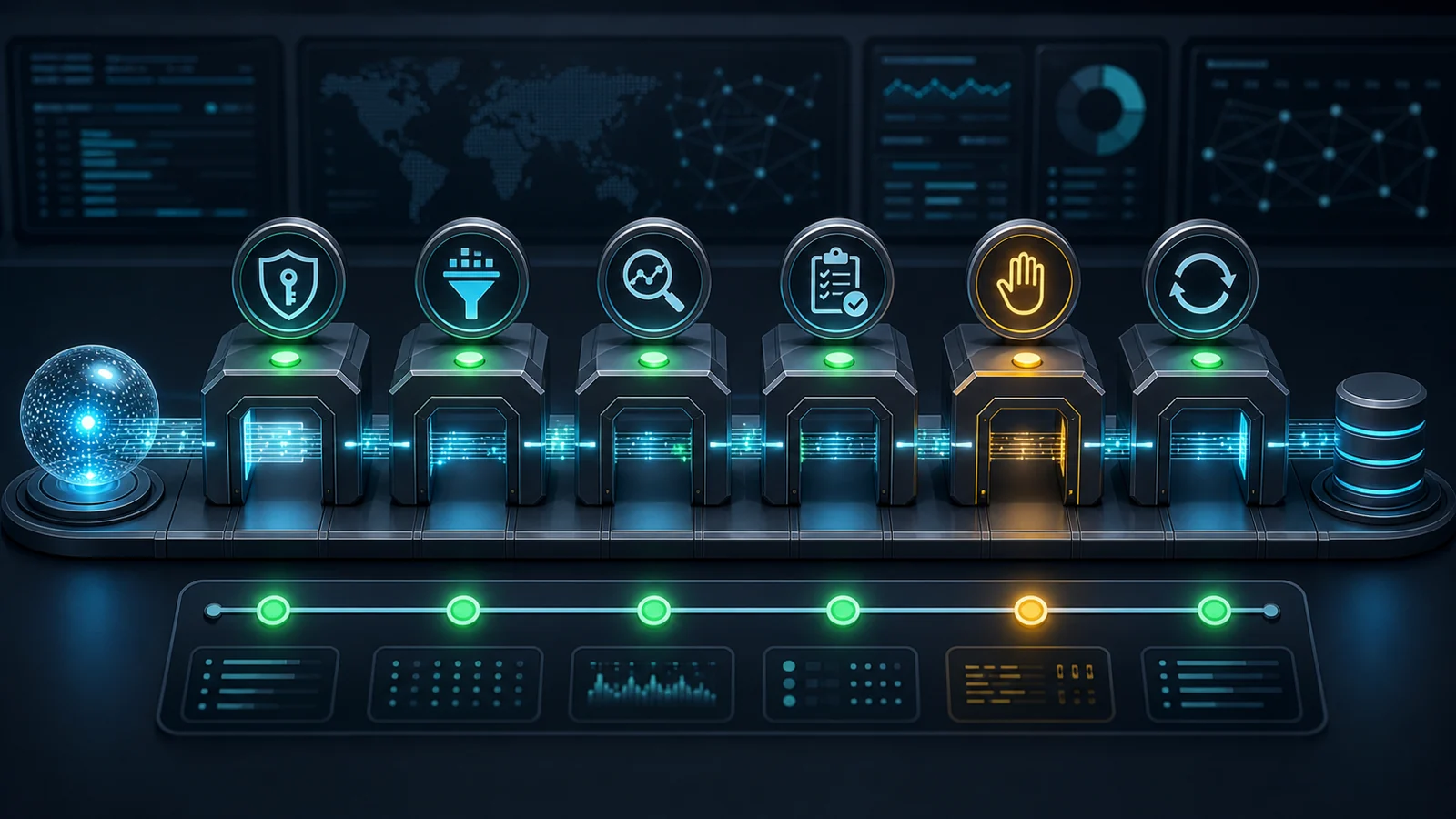
The best current thinking on AI agent design is less glamorous than the demos. It converges on a simple idea: agents work when the platform gives them constrained tools, visible state, traceable execution, and clear points where a human can approve or stop the work.
Anthropic's guidance on building effective agents makes the first point clearly: start with simple workflows before you reach for autonomous agent loops. The hard part is rarely the prompt. The hard part is giving the model a well-designed toolset, a bounded task, and enough feedback from the environment to recover when something goes wrong.
OpenAI's Agents SDK points in the same direction from an implementation angle: agents need tools, handoffs, guardrails, streaming, and a trace of what happened. Its tracing documentation treats tool calls, handoffs, guardrails, and custom events as first-class runtime evidence, while agent evals push teams to test whether agents perform consistently across complete tasks, not just whether one answer sounds good.
The security guidance is just as consistent. OWASP's 2025 Top 10 for LLM Applications names prompt injection and excessive agency as core risks. Microsoft's work on indirect prompt injection reinforces the same operating model: assume agents will read untrusted content, use layered defences, and do not rely on a single probabilistic guardrail to protect high-impact actions.
Tool ecosystems are also moving toward explicit permission boundaries. The Model Context Protocol security best practices call out the danger of broad tokens and expanded blast radius when agents can access many tools. Its client best practices recommend connecting only the tools needed for the active task and applying the same human confirmation policies to sandbox-originated calls as direct tool calls.
NIST's Generative AI Profile gives the governance wrapper: map the context, measure risks, manage controls, and keep accountability with the organisation deploying the system. In product terms, this means an agent-ready platform needs explicit authority, review, monitoring, and incident response. It is not enough for the model to be capable. The operating environment has to be governable.
That gives us a practical baseline for agent-ready product design:
- Prefer deterministic workflow scaffolding before open-ended autonomy.
- Treat every tool as a product contract with clear inputs, outputs, permissions, errors, and side effects.
- Give agents only the tools and data needed for the current job.
- Treat external content, retrieved documents, browser pages, and tool outputs as untrusted input.
- Trace the whole run: model calls, tool calls, handoffs, guardrail events, user approvals, and state changes.
- Eval the execution path, not just the final text.
- Require human approval for sensitive actions before side effects happen.
- Design recovery paths for retries, duplicates, partial completion, and ambiguous state.
This is not anti-agent. It is how agents graduate from clever demos into production software.
The browser is no longer just a surface
For the last fifteen years, the browser was where humans worked. APIs were for integrations, reporting, partner ecosystems, mobile apps, and internal automation.
That split is breaking.
A coding agent can inspect a local app through a browser. A workplace agent can log into a vendor portal. A research agent can crawl public pages, compare options, fill forms, and return with structured evidence. A back-office agent can operate the same admin screens a junior operations analyst used to operate.
The browser is becoming an execution surface for agents.
That matters because many platforms treated the browser UI as softer than the API. The API needed versioning, authentication, rate limits, documentation, and stable contracts. The UI could be rearranged, renamed, hidden behind modals, or patched on Friday afternoon.
Agents collapse that distinction. If the browser is a tool surface, the UI needs some of the discipline of an API.
This does not mean freezing product design forever. It means making the UI legible and operable:
- Stable URLs for meaningful objects and workflow states.
- Accessible labels for controls and form fields.
- Predictable page structure.
- Clear success and failure states.
- Machine-readable metadata where it matters.
- No critical workflow step that exists only as visual implication.
Accessibility work becomes agent-readiness work. Good semantic HTML, labelled controls, sane focus order, deterministic form behaviour, and useful error messages are no longer only inclusion and quality markers. They are automation infrastructure.
If a screen reader cannot understand your product, a browser agent will struggle too.
Start with the job, not the interface
The mistake is to ask, "How do we let agents use our product?"
Start with the jobs customers need done.
In a vertical SaaS product, the jobs might be: book an appointment, create a quote, reconcile a payment, dispatch a contractor, review a valuation, approve a campaign, respond to an inbound lead. In a product management platform, they might be: triage a bug, draft acceptance criteria, update roadmap status, link customer evidence to a feature request, or prepare a release note.
Each job has intent, inputs, decisions, side effects, and a definition of done.
The human UI is one way to express that job. The API is another. A browser agent is a third. A webhook-triggered workflow is a fourth. The platform has to hold the job model underneath all of them.
That is the architectural move.
When I built AI voice agents for service businesses, the useful abstraction was not "phone call". It was the booking job underneath the call: identify the customer, infer intent, check service constraints, find availability, confirm the slot, take payment if required, create the booking, notify the venue, write the customer record. The phone interface was just one control surface.
Once the job is modelled that way, the same platform can support a receptionist, a customer booking online, a voice agent, an SMS agent, or a staff member fixing a booking later.
Browser-only SaaS often gets this backwards. It starts with pages, then buttons, then handlers, then a partial API later. Agent-ready platforms start with actions and state, then render the right surface for the actor.
How to build an agent-ready platform
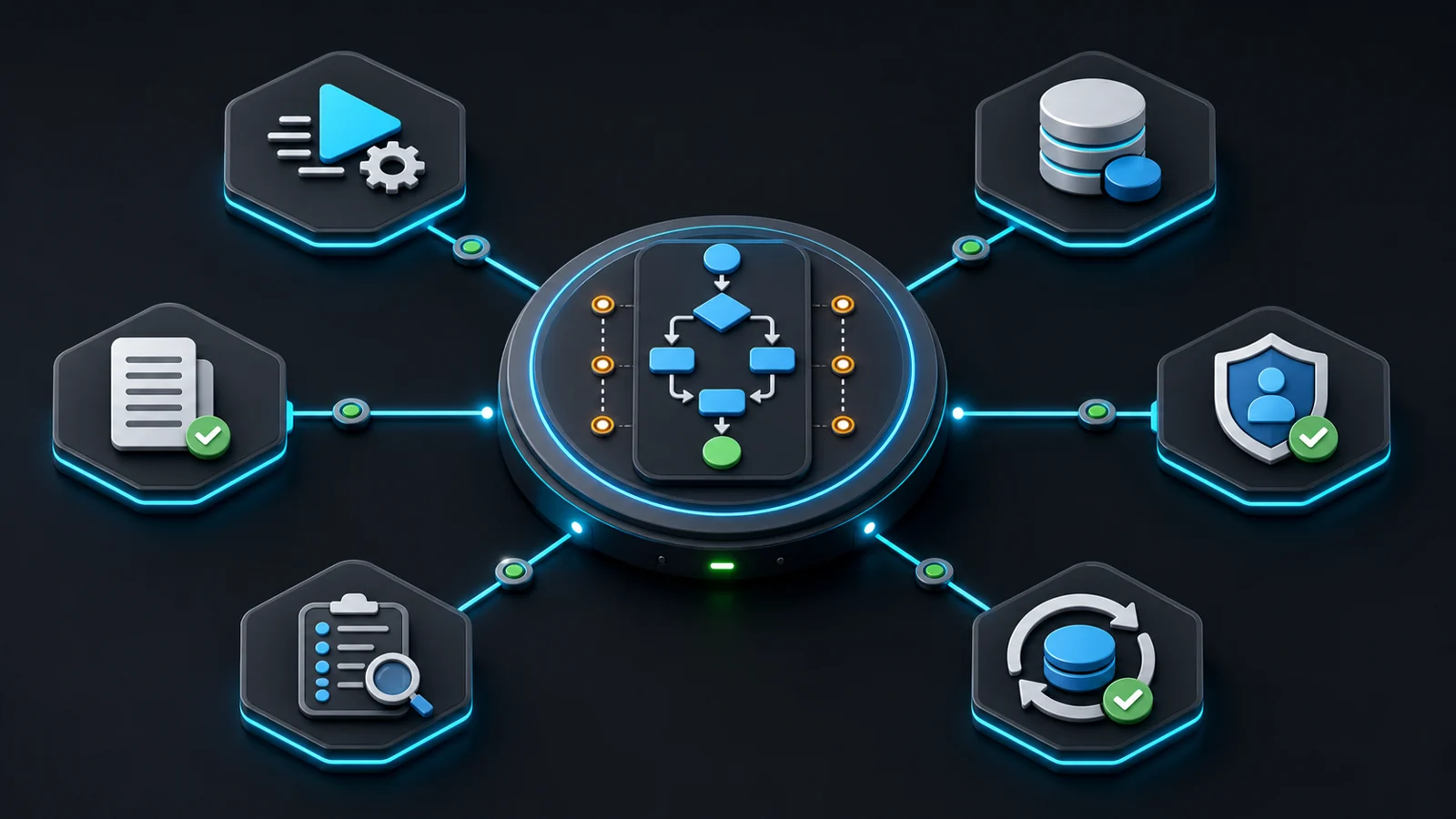
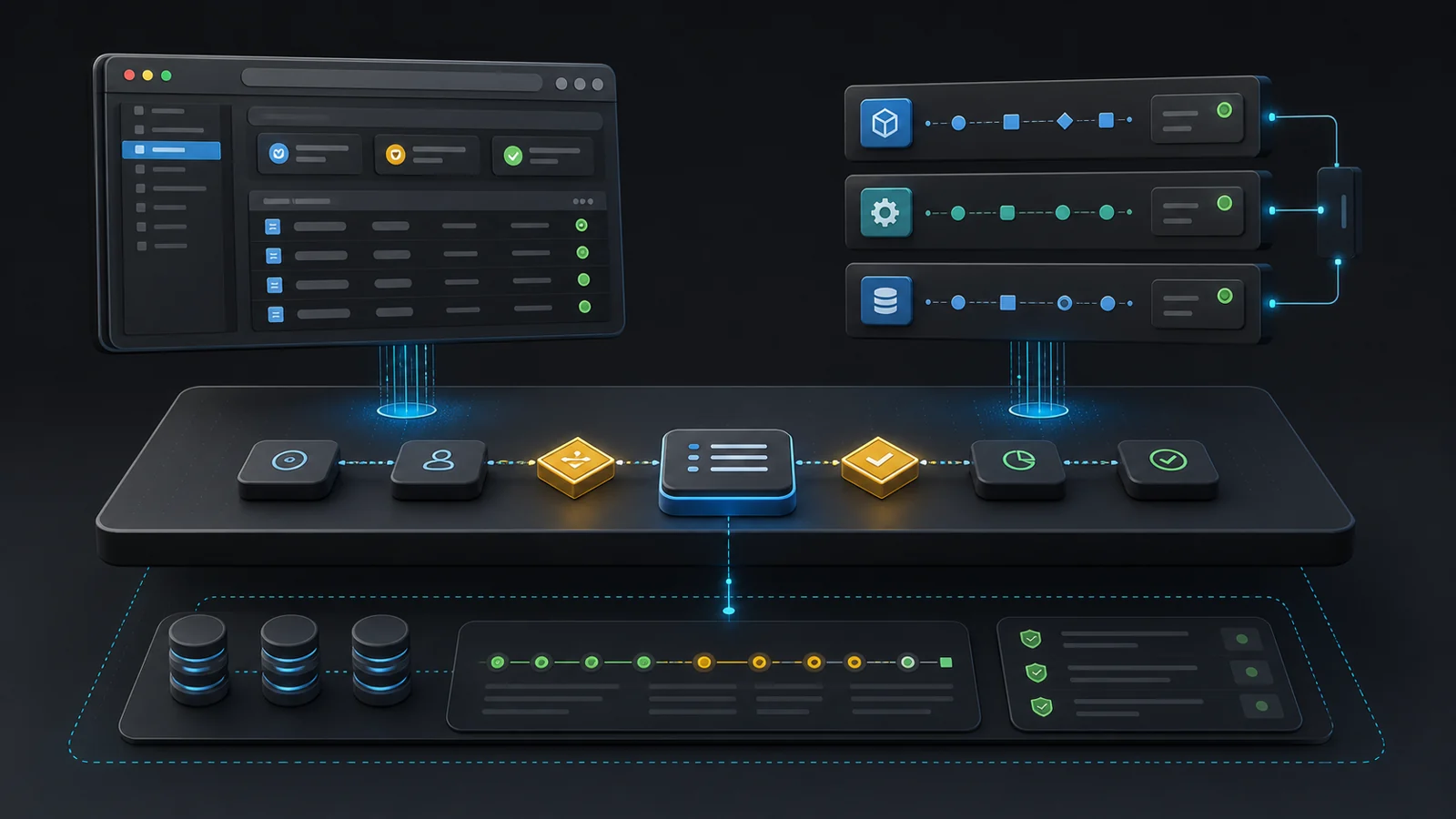
An agent-ready platform needs seven product capabilities: stable action contracts, inspectable workflow state, delegated permissions, idempotent recovery, decision observability, human review, and actor-oriented documentation.
If you want a product that works for users and agents, build these before you build another mascot-shaped assistant.
1. Stable action contracts
Agents need to know what they can do.
Every important workflow should be expressible as named actions with clear inputs, outputs, permissions, side effects, and failure modes. "Create booking" is an action. "Approve refund" is an action. "Mark lead as disqualified" is an action. "Click the blue button in the second panel" is not an action.
A stable action contract lets the platform expose the same capability through UI, API, workflow builder, agent tool call, or internal automation.
The contract should answer five questions:
| Question | Why it matters |
|---|---|
| What does this action do? | Prevents agents from guessing from button text or page layout. |
| Who can perform it? | Keeps delegated automation inside the user's real authority. |
| What inputs are required? | Reduces malformed calls and brittle browser filling. |
| What changes after it runs? | Makes side effects explicit before the agent acts. |
| How does it fail? | Allows retry, correction, escalation, or refusal. |
Most products have more actions than they realise. They are just buried in controllers, form handlers, and UI state.
Your first agent-readiness exercise is to name them.
2. Inspectable workflow state
Agents need to know where they are.
Humans can infer state from context. They see a dimmed button, a badge, a partial form, a warning banner, or a customer note and adapt. Agents need the platform to expose that state directly.
For each important object, define:
- Current status.
- Valid next statuses.
- Required missing information.
- Blocking conditions.
- Last actor.
- Last meaningful event.
- Review or approval requirement.
This is the difference between an agent saying, "I cannot proceed because the quote is missing a licence number" and an agent repeatedly clicking submit until it times out.
State modelling is not glamorous. It is where reliability comes from.
For AI products, it also gives you better evals. You can test whether the agent chose a valid next action, not merely whether the text it produced sounded reasonable. That connects directly to agent evals as infrastructure: you cannot evaluate an agent properly if the platform cannot say what correct behaviour looks like.
3. Permissioning for delegated work
An agent is not a person. It is also not a free-floating system account.
The cleanest mental model is delegated authority. The agent acts for a user, team, role, tenant, or workflow under specific constraints. It should inherit permission boundaries, but not blindly inherit every human capability.
You need to answer:
- Which human or organisation authorised this agent?
- What scope was granted?
- What can it read?
- What can it change?
- What requires confirmation?
- When does access expire?
- How do we revoke it?
This becomes uncomfortable for products built around coarse admin roles. "Admin", "member", and "viewer" are not enough when agents can execute hundreds of operations per hour.
Agent permissions should be narrower than human permissions by default. Let the booking agent create and reschedule appointments, but not export the whole customer database. Let the sales research agent read account notes and draft updates, but not change closed-won revenue. Let the coding agent open pull requests, but not rotate production secrets.
Good agent permissioning is product design, security design, and commercial design at once. It determines what customers trust you to automate.
4. Idempotency, retries, and recovery
Agents repeat themselves.
Sometimes they repeat because the model got confused. More often they repeat because software is unreliable: the network dropped, the browser refreshed, the API returned a 502, the job queue lagged, or the response was ambiguous.
If repeating an action creates a duplicate booking, double-charges a customer, sends three emails, or approves the same refund twice, your platform is not agent-ready.
Idempotency is the boring requirement that becomes critical under automation. The same intended action should be safe to retry. The platform should know whether it has already processed the request.
For high-value workflows, add recovery primitives:
- Draft before commit.
- Preview before send.
- Hold before publish.
- Reverse or void where possible.
- Escalate to human review when state is ambiguous.
A human can notice they accidentally clicked twice. An agent may not. Design for that.
5. Observability that explains decisions
Traditional analytics tells you what users clicked. Agent observability needs to tell you what the agent attempted, why it attempted it, what tools it called, what changed, what failed, and who approved the authority to act.
At minimum, log:
- Actor type: human, agent, system, integration.
- Delegating user or tenant.
- Action name.
- Inputs and safe summaries of sensitive data.
- Tool calls and external systems touched.
- State before and after.
- Failure class.
- Human review outcome where relevant.
Do not bury this in developer logs only engineering can read. Customers will need operational visibility. Support teams will need replay. Compliance teams will need evidence. Product teams will need to see which workflows agents are actually taking over.
This is how your metrics change.
Monthly active users will undercount value when agents do the work. Seat count will mislead finance when one human supervises ten automated workflows. The metrics that matter become tool calls per customer, agent-initiated actions, human review rate, rollback rate, cost per completed job, and time saved per workflow.
I wrote about this in Agents Are the Heaviest SaaS Users You'll Ever Onboard. The same point applies here: once agents become real users, your platform load and your product analytics stop looking human.
6. Human review as a first-class path
Agent-ready does not mean fully autonomous.
The best platforms will let customers choose the level of autonomy by workflow, risk, confidence, and consequence. Low-risk actions can run automatically. Medium-risk actions can run with sampled review. High-risk actions should require approval before side effects happen.
The review path needs to be designed into the workflow, not bolted on through email alerts.
Good review surfaces show:
- What the agent is trying to do.
- Why it believes the action is valid.
- What evidence it used.
- What will change if approved.
- What alternatives exist.
- How to correct the input without restarting the whole workflow.
Review is also a training data source, but do not reduce it to that. The product value is control. Customers will let agents do more when they can see, constrain, and reverse the work.
A five-step autonomous workflow with 95% reliability per step has a 77% chance of completing without error. At 99% per step, it is still only 95%. The longer the chain, the more review and recovery matter.
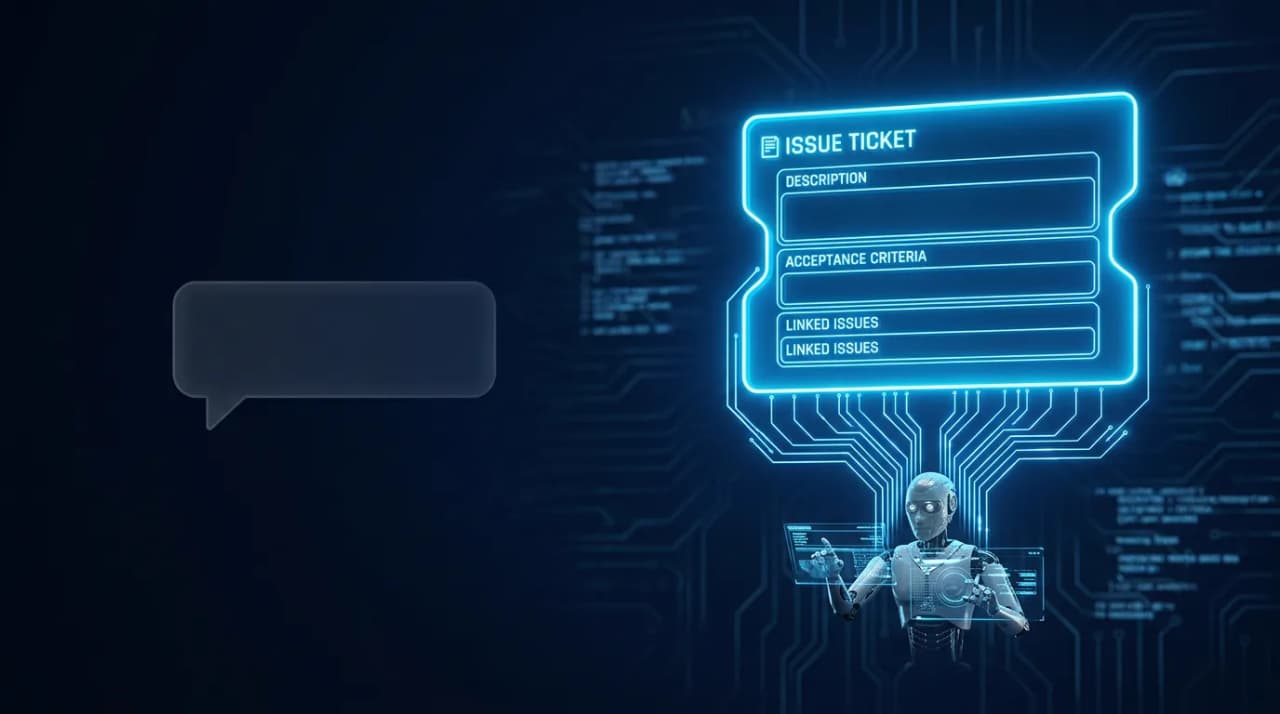
This is why the ticket is becoming the prompt. Structured work requests give humans and agents a shared artefact: intent, acceptance criteria, constraints, evidence, and approval history.
7. Documentation written for actors, not readers
Most product documentation is written for humans trying to understand the product. Agent-ready documentation also needs to support actors trying to operate it.
That means:
- Clear action names.
- Input schemas.
- Examples of valid and invalid calls.
- Error codes with recovery guidance.
- Permission requirements.
- Rate limits.
- Versioning notes.
- Change logs that identify contract-breaking changes.
Public docs matter. Internal docs matter more. Agents operating inside customer environments will use whatever artefacts they can access: help centres, API docs, admin labels, onboarding guides, tool descriptions, schema names, and release notes.
If your language is inconsistent, your product becomes harder for agents to reason about. If the UI says "client", the API says "contact", the webhook says "person", and support docs say "customer", humans will survive. Agents will waste context resolving your taxonomy.
Naming is architecture.
The UI still matters
Some teams hear "agents" and jump straight to API-first thinking. That is incomplete.
Agents will use APIs where APIs exist. They will use browsers where APIs are missing, incomplete, private, or commercially restricted. They will use both inside the same workflow.
The human UI remains important for three reasons.
First, humans still supervise, correct, configure, and approve agent work. The control surface is a product experience.
Second, browser agents need the UI to be operable when there is no better tool. A product with inaccessible controls, unstable layouts, misleading button text, or hidden state is hostile to automation.
Third, the UI is where trust is built. Customers do not trust an invisible automation layer just because the API is elegant. They trust it when the product shows what happened and lets them intervene.
AI UX and interaction design has become platform strategy. Inline actions, structured inputs, generated review surfaces, and contextual controls matter more than a general chat box.
The browser is not dead. The browser is becoming shared equipment.
The trade-offs
Building for agents creates real product tension. Pretending otherwise produces bad strategy.
| Trade-off | What you gain | What you give up |
|---|---|---|
| Stable contracts over quick UI hacks | Workflows agents can call safely | Some speed in casual feature changes |
| Explicit state over implicit screen logic | Better reliability and evals | More modelling work upfront |
| Narrow permissions over broad admin access | Customer trust and lower blast radius | More complex role design |
| Idempotent actions over simple handlers | Safe retries and lower duplicate risk | More engineering discipline |
| Human review over full autonomy | Control, compliance, and adoption | More UX work and slower throughput on high-risk jobs |
| Metered work over pure seats | Pricing that tracks agent value | Harder billing communication |
| Semantic UI over decorative UI | Accessibility and browser-agent compatibility | Less tolerance for clever but fragile design |
These trade-offs are why agent-readiness is a platform decision, not a feature request.
You cannot assign one squad to "make it agentic" while the rest of the product keeps shipping hidden state, inconsistent naming, unlogged side effects, and permission shortcuts. The agent will find every weak joint because automation applies pressure at volume.
This is the same reason hollow SaaS is vulnerable. If the product is only a thin interface over generic workflow, agents can route around it. If the product owns the job model, permissions, evidence, queue, and history, agents need it.
Why do the work
The obvious reason is defensive: customers will automate your product whether you prepare or not.
If your platform is hard to automate safely, customers will use brittle browser scripts, shared credentials, unofficial APIs, exported CSVs, and external agents with too much access. You will still carry the support burden. You just will not control the architecture.
The stronger reason is offensive: agent-ready platforms become more valuable as customers automate more work.
A normal SaaS product grows when more humans log in. An agent-ready platform grows when more customer workflows run through it. That creates a different ceiling.
One venue owner can supervise bookings, payments, customer follow-ups, staff changes, and marketing actions that previously required constant manual attention. One product lead can supervise bug triage, release notes, customer evidence linking, and roadmap hygiene. One operations manager can supervise exceptions while agents process the standard cases.
The platform becomes the place work is defined, executed, observed, and governed.
That is a better business than selling seats into a shrinking pool of human clicks.
It also creates a better product. Humans get less administrative drag. Agents get clearer instructions. Teams get better logs. Leaders get metrics tied to completed work rather than activity. Compliance gets evidence. Support gets replay. Engineering gets fewer weird edge cases hidden in the UI.
The work compounds.
A practical readiness sequence
Do not start by building a general-purpose agent.
Start with one high-volume workflow that already matters to customers. Pick something valuable, repeatable, bounded, and painful enough that automation has a reason to exist.
Then work through this sequence.
Step 1: Map the job
Write the job in plain English. Name the actor, intent, inputs, decisions, side effects, and definition of done.
Bad: "Improve quote workflow."
Better: "A contractor reviews an inbound job request, confirms the service area, checks required details, creates a quote, sends it to the customer, and follows up if there is no response within 48 hours."
That sentence is product architecture. It tells you what state, actions, permissions, and review paths the platform needs.
Step 2: Name the actions
Break the job into durable actions:
- Classify request.
- Validate service area.
- Request missing information.
- Create quote draft.
- Send quote.
- Schedule follow-up.
- Mark quote accepted.
- Mark quote lost.
Each action needs inputs, outputs, permissions, side effects, and failure modes.
Step 3: Expose state
For every object in the workflow, make current state and valid next action inspectable. If the agent needs to scrape the UI to know whether a quote is ready to send, the platform model is incomplete.
Step 4: Add delegated permissions
Decide what the agent can do without approval, what it can draft, and what it can only recommend. Make this configurable by tenant and role, not buried in code.
Step 5: Build the review surface
Give humans a compact way to approve, reject, edit, and learn from agent work. The review surface is where adoption happens. If review feels like reading a mystery novel, customers will turn the agent off.
Step 6: Instrument the workflow
Measure completed jobs, agent actions, human interventions, reversals, retries, latency, cost, and customer outcomes. Do not stop at prompt quality.
Step 7: Price the work
Per-seat pricing breaks when one human supervises more work than five humans used to perform manually. Pure usage pricing creates invoice shock when automation succeeds.
A hybrid model usually makes more sense: platform fee for access and governance, metered work for completed outcomes, and guardrails for runaway loops. I covered that pattern in The AI Pricing Stack.
The product test
Ask five questions before you claim your platform is agent-ready.
- Can an agent identify the valid next action without guessing from the screen?
- Can the platform explain why an action is blocked?
- Can a repeated action avoid duplicate side effects?
- Can a customer see what the agent did, under whose authority, and with what evidence?
- Can a human correct the workflow without starting from zero?
If the answer is no, the product is not ready for serious agent use.
That may be fine. Not every workflow deserves automation today. But be honest about the gap. A chatbot in the sidebar does not fix a platform whose core actions are vague, whose state is implicit, and whose permissions were designed for monthly active humans.
The platform for the agent is really the platform for the job
The phrase "build a platform for the agent" is slightly misleading.
You are not serving the agent. You are serving the customer through a new class of actor. The agent is a delegate, an operator, a reviewer, a scout, a clerk, or a dispatcher. It is not the customer.
That distinction matters because it keeps the product team anchored on the job. Agents should not get special pathways that bypass the product's real rules. Humans should not be trapped in a second-class interface while the API gets all the attention. Both actors should operate against the same underlying model of work.
The products that get this right will feel calm. Humans will see less busywork and more control. Agents will see clearer tools and fewer ambiguous screens. The platform will know what happened.
Browser-only SaaS was built for attention. Agent-ready platforms are built for execution.
That is the shift product teams need to prepare for.
Logan Lincoln
Head of Product based in Currumbin Waters, Australia. Led a $70M regulated B2B SaaS portfolio at Cotality, then founded OpenChair and took its product strategy from market entry into paid production use.